Knights’ Game Development Blog
Welcome to the Knights’ Blog of Knowledge! Explore behind-the-scenes stories, expert tips, and the latest trends in game development. Whether you’re a fellow developer or a gaming enthusiast, there’s something here to inspire you and expand your knowledge.



Wrong Import Settings are Killing Your Unity Game – Part 1

Accessing Your Unity Game Logs

How to customize Unity script templates
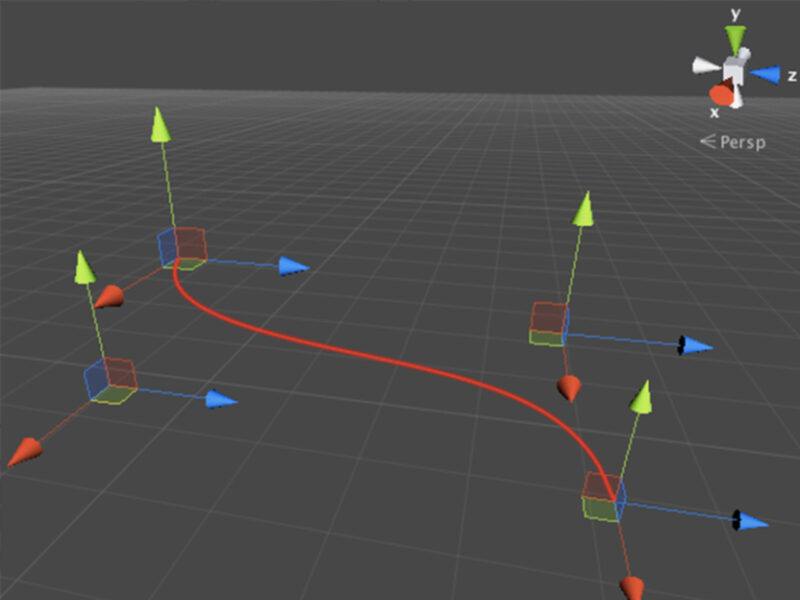
Rendering custom GUI on Scene view

Hide or lock layer in Scene window

Executing Custom Scripts from Unity's Menu

Hold the Alt button to expand or collapse the Hierarchy

You can search your scene objects by component’s type
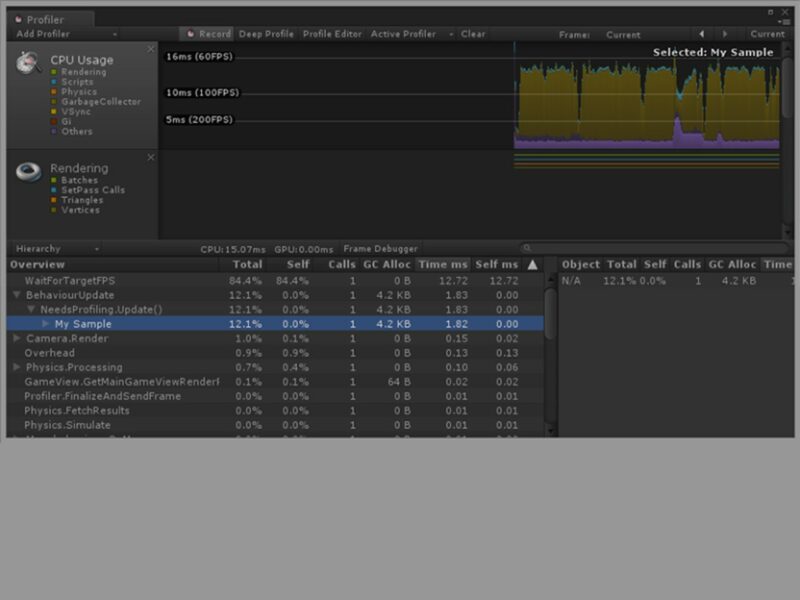
Profiling Unity Application with Profiler Samples

You can switch your Inspector into the debug mode
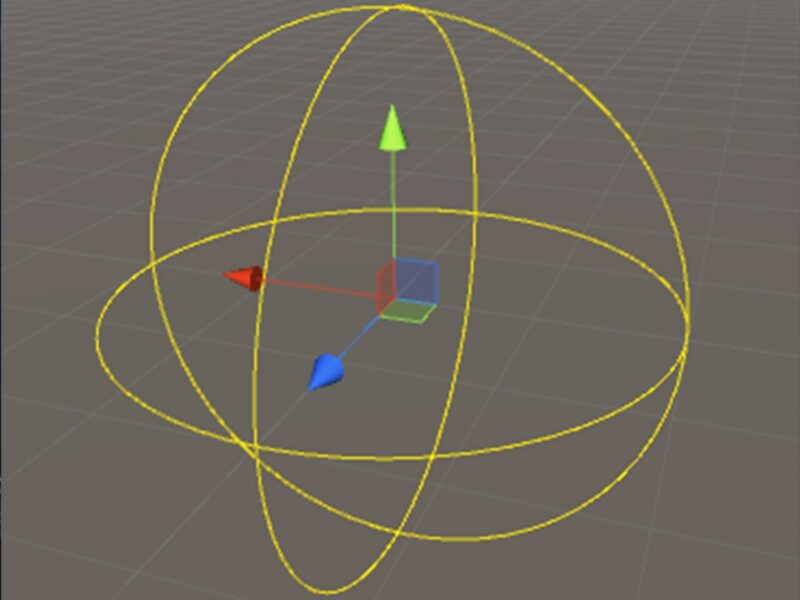
Custom gizmos with OnDrawGizmos
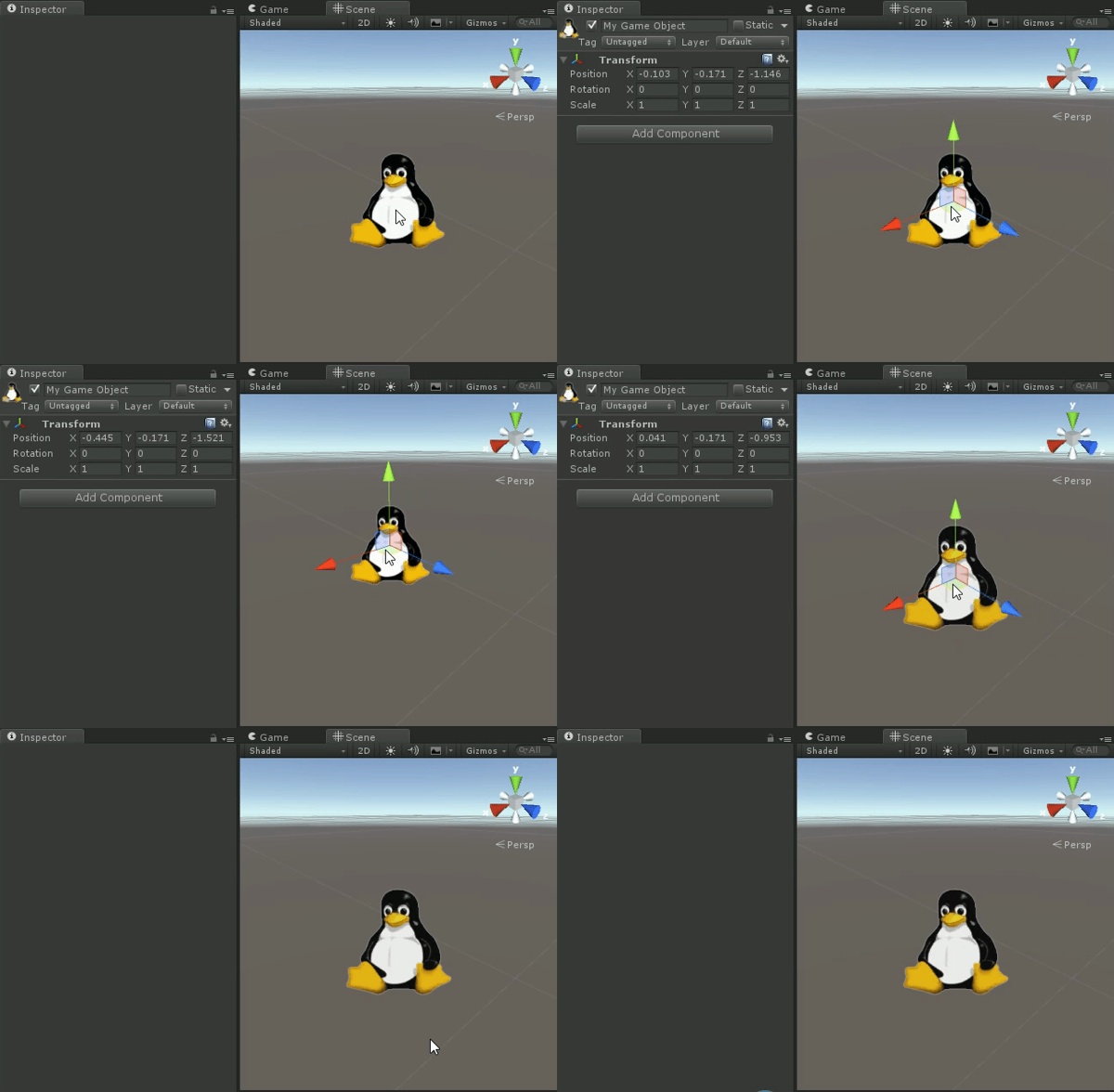
Use icons to see invisible object on scene
SalesTeam